Supabase vs Firebase
Compare Firebase and Supabase across database design, hosting, cost, and open-source flexibility to choose the right backend for your app.
Supabase vs Firebase
Building a modern app requires a backend. Firebase and Supabase both offer backend-as-a-service (BaaS) features, but they differ in database design, philosophy, and control. This comparison helps you choose the right tool.
🔍 The Two Approaches
Firebase (Google): A fully managed NoSQL database (Firestore) with real-time sync, authentication, storage, and serverless functions. Everything is cloud-hosted and tightly integrated with Google’s ecosystem.
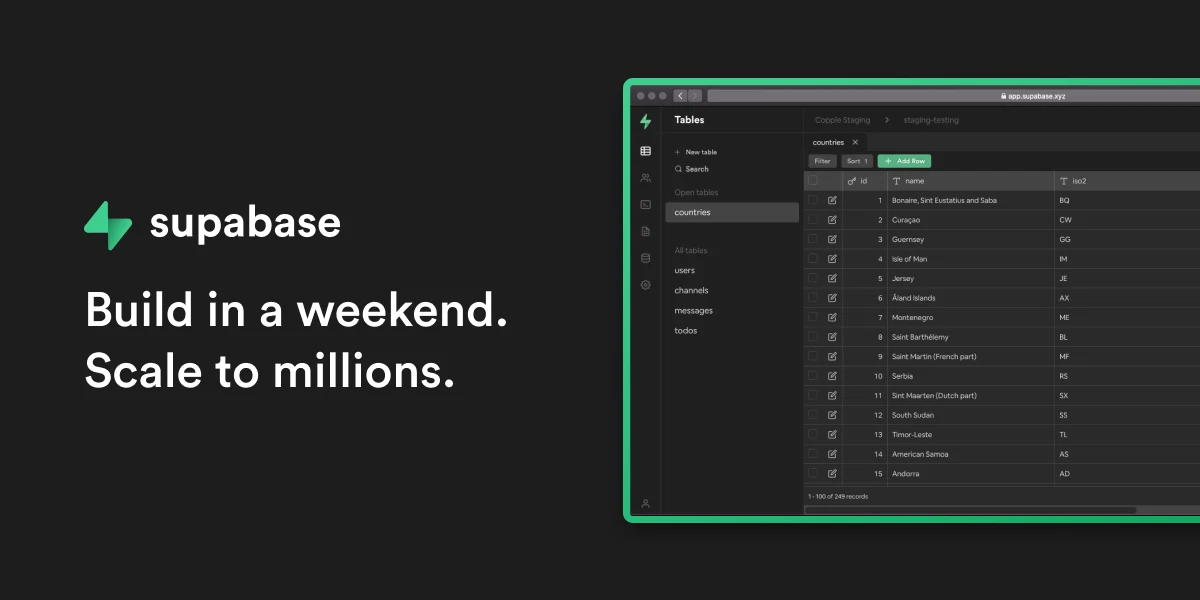
Supabase (Open Source): An open-source platform built on PostgreSQL that provides SQL-based data modeling, real-time subscriptions, authentication, storage, and edge functions. You can use the managed service or self-host.
📊 Feature Comparison
| Feature | Firebase | Supabase |
|---|---|---|
| Database | Firestore (NoSQL) | PostgreSQL (SQL) |
| Hosting | Google Cloud only | Managed or self-hosted |
| Open Source | No | Yes |
| Real-time | Built-in | Built-in (Elixir) |
| Authentication | Yes (Firebase Auth) | Yes (GoTrue) |
| File Storage | Yes | Yes (S3-backed) |
| API | REST, GraphQL | REST (PostgREST), GraphQL (pg_graphql) |
| Functions | Cloud Functions | Edge Functions |
| Self-hosting | No | Yes |
Supabase Architecture Stack
- Postgres: Open-source relational database with 30+ years of development
- Realtime: Elixir server that broadcasts database changes via WebSocket
- PostgREST: Auto-generates REST APIs from database schema
- GoTrue: JWT-based authentication (user signups, logins, sessions)
- Storage: S3-compatible file storage with Postgres-backed permissions
- pg_graphql: PostgreSQL extension that exposes GraphQL
- Kong: API gateway for routing and rate limiting
💡 Key Differences
Data Model
Firebase (Firestore): Document-based NoSQL. Flexible schema, easy to iterate, but lacks relational constraints. Good for prototypes.
Supabase (PostgreSQL): Relational SQL. Enforces data integrity, prevents inconsistencies, scales better for complex data. Better for production.
Vendor Lock-in
Firebase: High lock-in. Firestore is proprietary; migrating away is painful.
Supabase: Low lock-in. You own your Postgres data. Can self-host or migrate anytime.
Scalability
Firebase: Automatic scaling, but costs grow with usage (can be expensive at scale).
Supabase: Predictable SQL queries. You control optimization. Cost scales more linearly.
Flexibility
Firebase: “Magical” defaults mean less control. Some patterns are hard to model in Firestore.
Supabase: More control. Standard SQL patterns work. Write complex queries and triggers.
🎯 When to Choose Each
Choose Firebase if:
- You want the fastest setup with zero DevOps
- You’re building a prototype or MVP
- You’re deeply invested in Google Cloud services
- Real-time sync with simple data models is your primary use case
Choose Supabase if:
- You need relational data and complex queries
- You want to avoid vendor lock-in
- You plan to self-host or need that option
- You prefer open-source tools and transparency
- Long-term scalability matters more than rapid prototyping
🚀 Alternatives Worth Exploring
| Platform | Type | Best For |
|---|---|---|
| Appwrite | Open-source BaaS | Full control, multi-database support |
| PocketBase | Lightweight self-hosted | Solo developers, minimal overhead |
| Parse Platform | Mature open-source | GraphQL, REST, push notifications |
| Backendless | Low-code platform | Visual development, minimal coding |
💭 Final Thoughts
Firebase is unbeatable for MVPs where speed matters more than architecture. Supabase shines when you need relational data, long-term flexibility, and cost predictability. The open-source ecosystem offers alternatives for specific use cases.
Start with the question: Do you own your data long-term? If yes, Supabase. If you’re prototyping and can accept vendor lock-in, Firebase works.